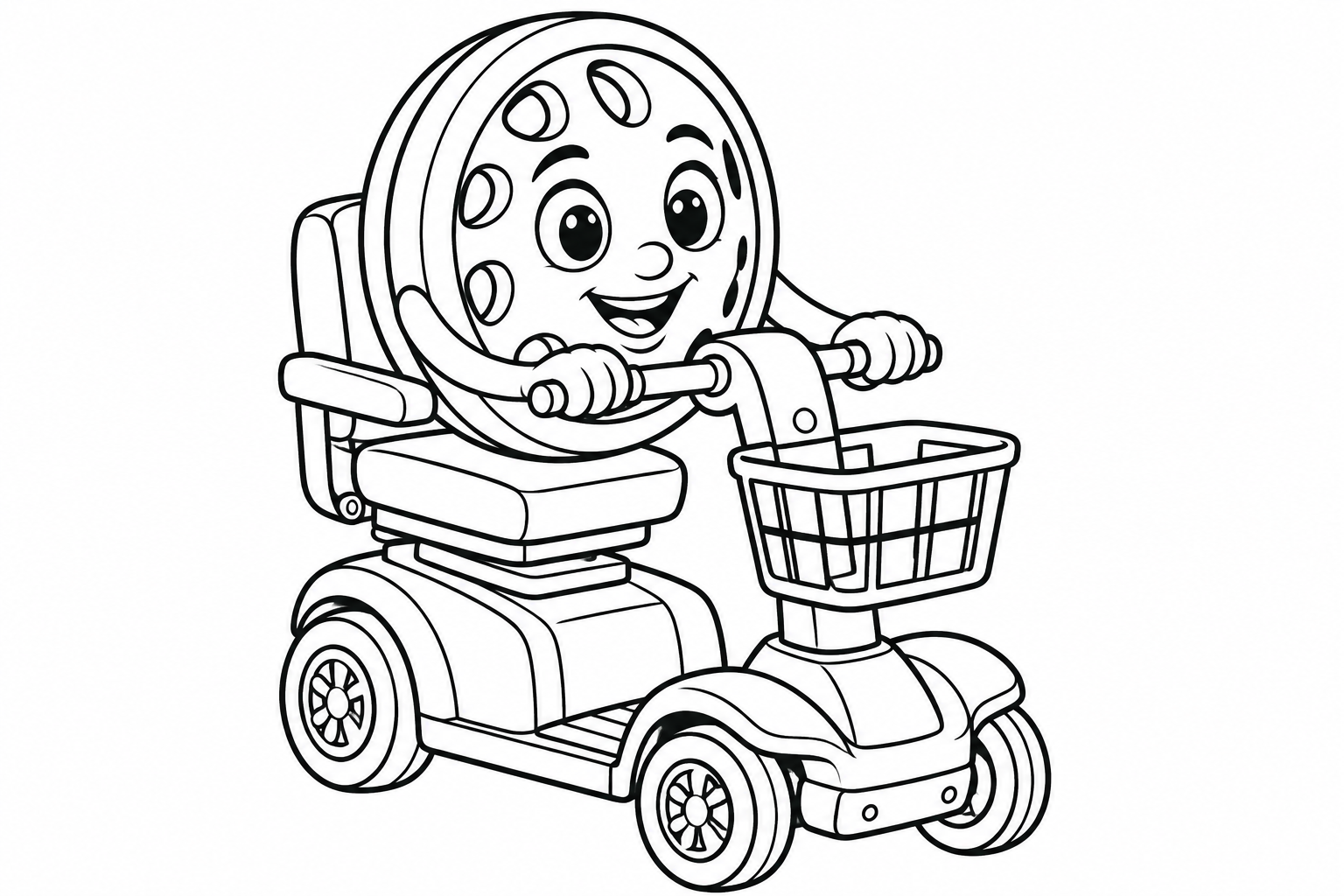
Coloring pages for kids can start with very little preparation: one drawing, a few colors and a choice the child gets to make. The useful question is not how to produce a perfect picture. It is which setup the child would enjoy today, a computer, or paper and crayons.
Willy's online coloring pages fill a whole area with one click. The same drawings are available to download, so a familiar character can move from the screen to the kitchen table.
Choose a drawing with a clear starting point
Look for a picture the child wants to explore, with several large areas they can recognize. One character and a vehicle can be enough for a first activity. A drawing packed with tiny details may be better for another day; the picture should fit the child, rather than the other way around.
Offer two choices and ask who they would like to color. They might choose just the scooter, a friend's clothes or the background. Completing every space is not a requirement for finishing the activity.
Try online coloring with one click
Choose a color from the palette, then click inside a white area. The color fills that area without dragging a brush. To change it, choose another color and click the same place again. Undo takes you back one action, including after clearing the page.
Willy's familiar colors are red for his wheel and blue for his mobility scooter. A purple wheel or an orange scooter is welcome too. This is an opportunity to choose, not a test of color memory. When the child is ready, save the picture to your device.
Prepare a printable coloring activity
Choose a blank page and check your printer's preview to make sure the full drawing fits. Put out a few crayons, pencils or markers the child enjoys using. You do not need to open every box at once.
You can print two copies and color alongside each other. Each person keeps their own choices. Instead of correcting a color that differs from the original illustration, invite the child to tell you something about their version.
Bring the activity to a comfortable close
Give a simple notice when you need to finish and offer a last area to color if the child wants one. Save the picture or leave it somewhere you can return to. 'You chose green for the scooter' describes the work without grading it.
If the child is interested, move from the picture to a short conversation: where are Willy and his friends going? The book preview shows the characters in a story. A purchase is not needed to enjoy the coloring activity.
Frequently asked questions
Do children need drawing skills to use the pages?
No. The drawing is ready, and one click fills an area online. Children can focus on choosing colors.
Can we change a color after filling an area?
Yes. Pick another color and click the same area, or use Undo.
What color would you choose for a path Willy has never visited?